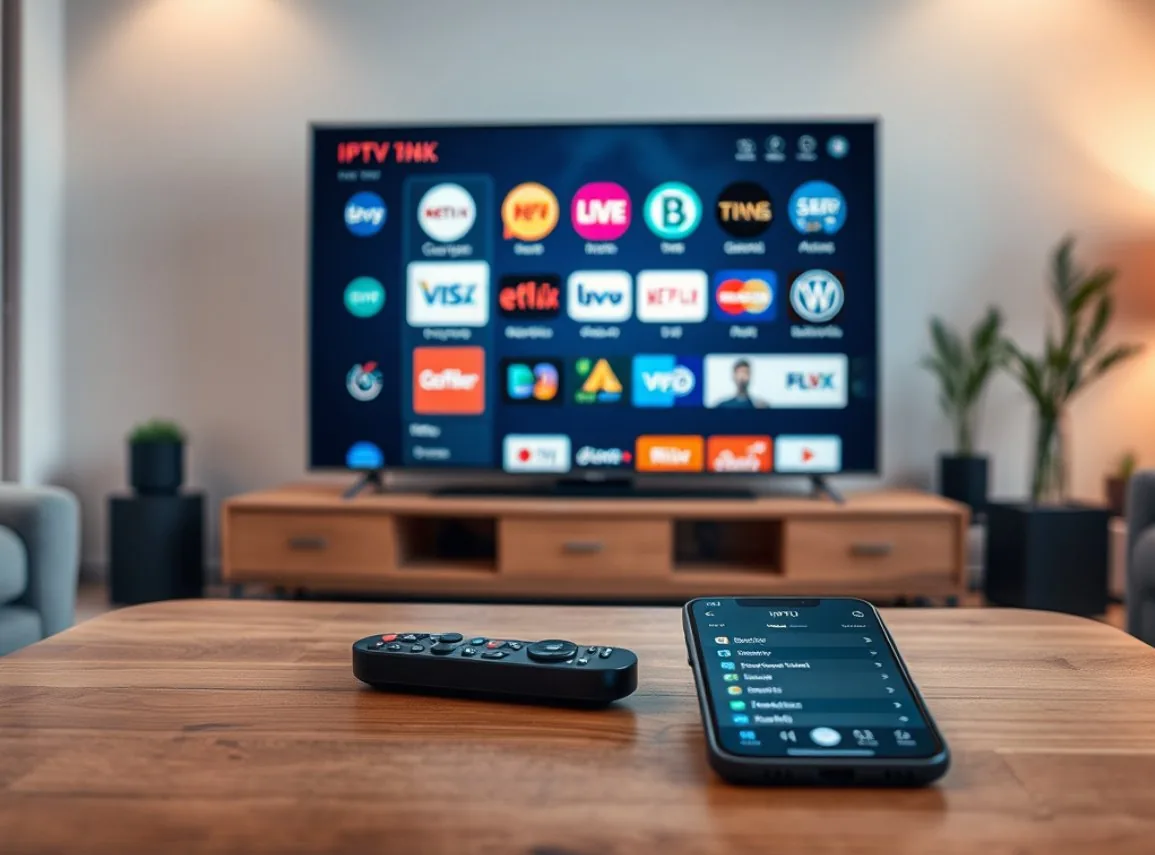
Setting up IPTV on a Smart TV in Belgium depends on which operating system your television uses. Samsung Tizen, LG webOS and Android TV each require a slightly different approach and different apps. This guide covers all three platforms with step-by-step instructions and explains what to do if your Smart TV is not compatible with direct IPTV app installation.
Smart TV IPTV overview
Modern Smart TVs support IPTV streaming without any additional hardware when the right app is installed. The app ecosystem varies significantly between television brands and operating systems, so the correct setup method depends on your specific television model. Samsung and LG have their own proprietary operating systems, while Sony, Philips and TCL use Android TV.
Before starting, confirm your Smart TV's operating system by checking the settings menu or the product documentation. This determines which IPTV app you can install and whether the standard method or an alternative approach is needed.
Samsung Smart TV IPTV setup
Samsung televisions run Tizen OS. The Samsung Smart Hub app store does not include TiviMate or IPTV Smarters, but it does offer Smart IPTV and SS IPTV. Smart IPTV requires a small one-time payment after a 7-day free trial. SS IPTV is completely free.
To install: press the Smart Hub button on your Samsung remote, navigate to the search function and search for Smart IPTV or SS IPTV. Install the app and open it. You will see a MAC address on screen — send this to our WhatsApp team. We register your MAC address and send you an upload link for your M3U playlist. Follow the instructions provided and your Belgian channels appear within minutes.
LG Smart TV IPTV setup
LG televisions run webOS. The LG Content Store carries Smart IPTV and SS IPTV which both work identically to the Samsung process. Navigate to the Content Store from your LG home screen, search for your chosen app, install and open it.
The MAC address registration process is the same as Samsung. Share the MAC address shown in the app with our WhatsApp team and we handle the playlist upload. LG webOS models from 2018 onwards all support this method without any special settings.
Android TV setup (Sony, Philips, TCL)
Android TV gives you direct access to the Google Play Store and therefore to TiviMate and IPTV Smarters Pro — the best two IPTV apps available. Navigate to the Google Play Store from your Android TV home screen, search for TiviMate or IPTV Smarters Pro, install and open.
Login is simpler than on Samsung or LG because you use M3U URL or Xtream Codes directly without MAC address registration. Enter the credentials from your WhatsApp activation message and your channels load within 60 seconds. Android TV provides the best IPTV experience available on a Smart TV because it supports TiviMate's full EPG interface.
What to do if your Smart TV is not compatible
Older Smart TVs and budget models may lack an app store capable of running IPTV software. If your television's app store does not carry any IPTV player, the simplest solution is connecting an Amazon Firestick to any available HDMI port. The Firestick transforms any TV with an HDMI input into a fully capable IPTV screen.
An Android TV box connected via HDMI provides the same solution with Android TV's full flexibility. Neither option requires any changes to the television itself. The Firestick or Android box handles all the processing and the television acts simply as a display.
Ready to start streaming Belgian channels in 4K? Get your free 24-hour trial via WhatsApp — no credit card required.
💬 Request Free TrialFAQ — IPTV Smart TV Setup Belgium 2026 — Samsung, LG & Android TV
Questions about setup or your subscription? Our WhatsApp team responds in under 5 minutes.
💬 WhatsApp Support